



Sweets Theme: How to Customize Your Home Screen with 24 Options for Android
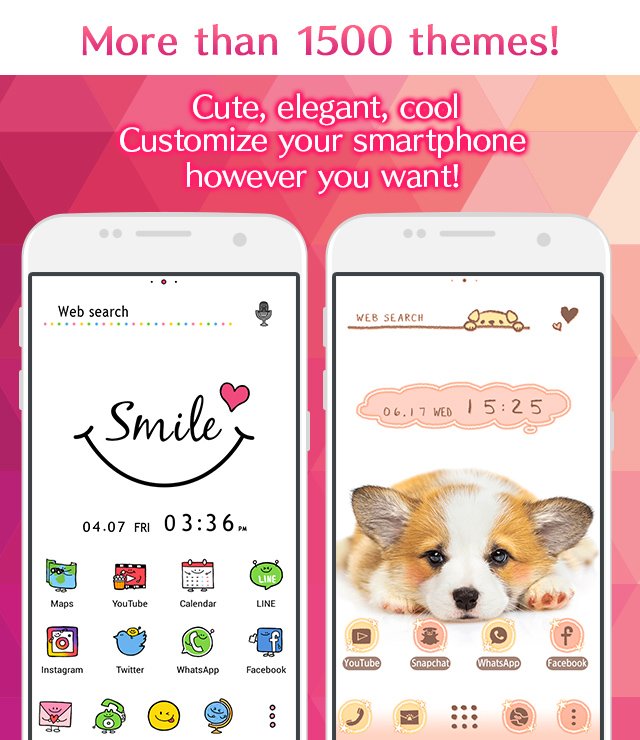
Easy ways to customize your Android home screen with the Sweets theme! If you find a home screen customization that suits your taste from the many themes available, you can use the popular smartphone customization app +HOME to apply the Sweets arrangement to your home screen with high-quality wallpapers, icons, clock widgets, and search widgets, all for free.
Download +HOME, the App You Need for Sweets Customization!
c<p>With +HOME, the popular smartphone customization app, you can completely customize your smartphone's home screen to a Sweets theme for free! Easily set wallpapers, icons, clock widgets, and search widgets!

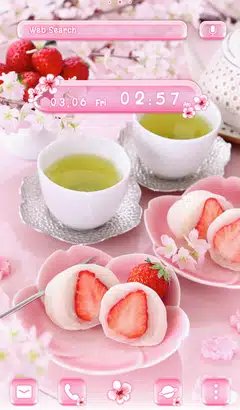
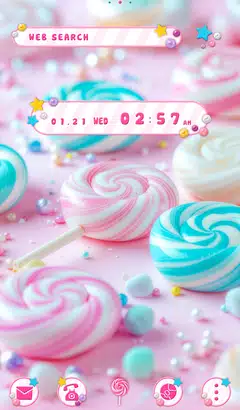
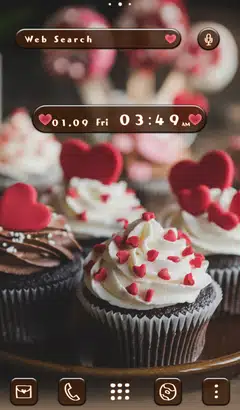
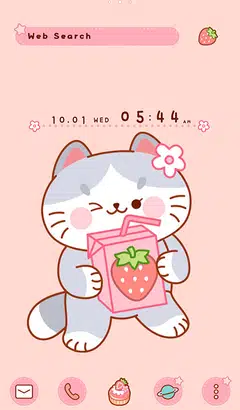
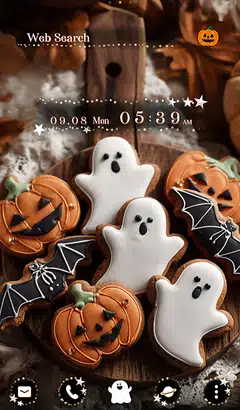


+HOME Recommended Popular Ranking
+HOME Special Features List.
-
🌇 Emo Sunset Theme Special 🌇
Heartfelt, emotional sunsets! Immerse yourself in nostalgia with this poignant twilight theme🌇
-
✨️ Sparkling Illumination Theme ✨️
Capture the breathtaking night sky lights on your phone! Enjoy a magical nighttime atmosphere effortlessly with beautiful illumination themes 💖
-
🕯️ Spooky Halloween Theme Special 🎃
Enjoy a spooky night on your smartphone! Create horror and dark screens with Halloween theme packs 🎃
-
💝 Heart Special 💝
Featuring heart motifs that bring happiness! Decorate your phone with a handsome design full of cuteness!
-
🥰 Valentine's Theme Special 2026 🍫
Add a touch of love magic to your smartphone screen! Start a happy digital life with Valentine's Day design themes that heighten your feelings for loved ones and treat yourself to a special mood ♥️
-
🏖 Beach Theme Special Feature 🏖
Turn your smartphone into paradise! Feel the pleasant sea breeze with this summery beach-themed customization feature🏖
-
🦋 Butterfly Special 🦋
Featuring elegant butterfly motifs for your smartphone standby! Stylish your phone with heartwarming designs!
-
🔴 Red Theme Special Feature 🔴
Show off your passion with fiery red on your smartphone! Brighten your screen with a custom theme and express your personality❣️
-
🍏 Refreshing Apple Theme Special Feature 🍏
Get your vitamin fix on your smartphone screen! Refresh your mood with the Green Apple theme🍏
-
💗 Pastel Pink Theme Special 💗
Heart-fluttering pastel pink! Adorn your phone with heart and strawberry themes for an adorable display 💗
-
🎵 Music Theme Special 🎵
Enjoy the world of music on your smartphone! Decorate your screen with rhythm using cassette tape and headphone themes🎵
-
🤍 Clean white color feature 🤍
Pure white brilliance! White roses, clouds, and simple designs shine through in a variety of stylish and easy themes 🤍
-
🌱 Featured fresh new greenery 🌱
Dye your phone with a new green color! Peace of mind with a green dress-up theme that's easy on the eyes and relaxing... ♪
-
🍀 Featured clover for good luck 🍀
Grab good luck! Why not add a little surprise to your daily life with a smartphone Kisekae theme with a clover motif?
-
⛄ Snow Scene Special ❄
Many soothing themes with fantastic images! Enjoy the winter atmosphere with a snowy landscape design phone!
-
🍰 Sweet and lovely temptation! Cute cake special. 🍓
The theme is full of colorful, sweet and cute designs, mainly shortcakes filled with strawberries and berries 🎂💖
-
🌻 Sunflower Theme Special Feature 🌻
Summer is here! Let's enjoy the hot summer with a sunflower theme that will brighten up your smartphone🌻
-
💜 Featuring hydrangeas and sparkling drops💧 ✨
The beautiful transparent design featuring rain drops and morning dew glistening on hydrangea petals will make you feel refreshed in the rainy season 💎💙💜
-
🪐 Galaxy Special 🪐
Featuring smartphone standbys that feel the mystery of the universe! Galaxy motif designs of the night sky and space will add a fantastic touch to your everyday life!
List of How to Use +HOME
-
About the Home Screen
-
Let's Change the Theme
-
How to Use the Drawer (App List)
-
Mastering the Home Screen
-
About the Iconpacks
-
How to Change Home Screen Icons Individually
-
How to Change Home Screen Icons All at Once
-
How to Change Home Screen Icons with Your Favorite Images
-
How to change home screen icon size